

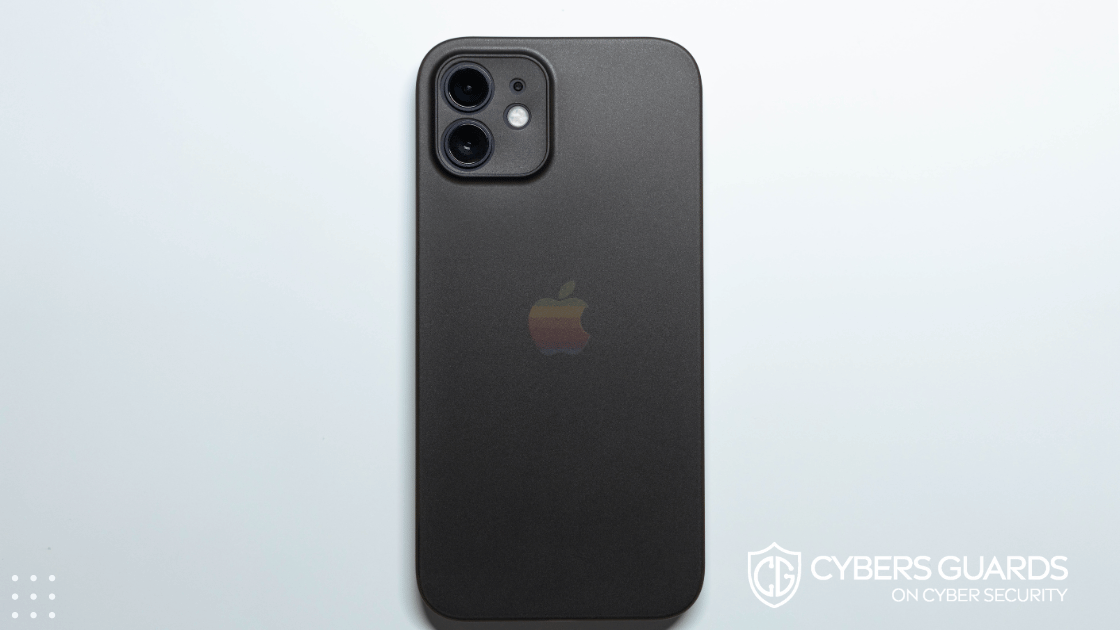

What if simply charging your iPhone at an airport kiosk could hand your data to an attacker? Or what if malware silently drained your iPhone’s battery overnight, crippling your workday?
This isn’t science fiction anymore—these are examples of iPhone battery attacks, a growing category of cyber-physical threats where adversaries exploit power systems, charging ports, and battery monitoring software to damage, disrupt, or even steal information.
As phones become the primary business device for executives, employees, and enterprises, these attacks represent a high-value yet often overlooked target.
What Are iPhone Battery Attacks?
iPhone battery attacks are malicious activities designed to exploit the battery system or charging interface of iPhones. Unlike traditional malware that targets files and apps, these attacks focus on power channels—the physical and software interfaces responsible for charging, discharging, and monitoring.
These attacks fall under the broader umbrella of side-channel attacks, where hackers extract information by analyzing indirect signals such as power usage, heat, or timing. On an iPhone, the battery and charging process serve as both a vulnerability surface and an attack vector.
How Do iPhone Battery Attacks Work?
There are multiple ways adversaries exploit iPhone battery systems:
-
Juice Jacking
-
Occurs when iPhones are charged at compromised USB charging ports in airports, hotels, or public places.
-
Attackers load malware or siphon data while users only think they’re charging.
-
-
Battery Drain Malware
-
Hidden apps run power-hungry processes in the background, rapidly depleting battery life.
-
Beyond inconvenience, this tactic is used for denial-of-service (DoS) at the device level, preventing phones from functioning.
-
-
Power Side-Channel Data Extraction
-
Sophisticated attackers analyze power consumption patterns to infer keystrokes, user actions, or cryptographic operations.
-
Though rare in real-world iPhone cases, such methods have been demonstrated in labs.
-
-
Battery Overheating / Thermal Manipulation
-
Malware forces continuous CPU activity, raising the iPhone’s temperature.
-
Can lead to service interruptions, early device degradation, or physical safety issues.
-
Together, these methods show the increasing overlap between hardware vulnerabilities and traditional cybersecurity risks.
Real-Life Research & Cases of Battery-Focused Exploits
-
Academic Proof-of-Concepts: Research papers on side-channel attacks demonstrate how power data leaks can reveal private operations. For example, even charging patterns can indirectly provide insight into a user’s behavior.
-
Juice-Jacking Demonstrations: Security conferences like DEF CON have repeatedly shown USB charger-based exploits, proving that compromised charging stations can push malware into devices.
-
Malware Campaigns: Certain strains of iOS-targeting malware have been observed causing abnormal battery drain, suggesting attackers intentionally use energy as an avenue of disruption.
Though large-scale, confirmed iPhone battery attacks are still rare outside controlled environments, the risks are real enough that enterprises and security agencies caution against public charging.
Why iPhone Battery Attacks Are Concerning for Businesses
For organizations that rely heavily on iPhones and iPads in their workflows, the idea of battery-based attacks carries unique risks:
-
Data Theft on Executive Devices – Juice jacking could expose sensitive board communications.
-
Employee Productivity – A drained battery disrupts workflows during critical meetings or travel.
-
Espionage Risks – Competitors or state actors could use power side-channels for covert monitoring.
-
MDM Exposure – Mobile Device Management systems may be weakened if employee iPhones are compromised at the hardware level.
Enterprises now need to consider mobile device charging and battery integrity as part of security governance.
Signs Your iPhone May Be Under Battery Attack
If your iPhone shows these signs, it may indicate malicious activity:
-
Rapid Battery Drain despite minimal use.
-
Overheating while idle or during charging.
-
Charging Irregularities such as very slow charging or disconnections.
-
Suspicious Battery Usage Logs in iOS settings.
-
Background Activity from unknown processes or apps.
While some of these can result from normal wear or rogue apps, in the security context they may signal targeted abuse.
How to Prevent iPhone Battery Attacks
Prevention requires both technical safeguards and user awareness:
-
Avoid Public USB Charging Stations
-
If unavoidable, use USB data blockers (charge-only adapters).
-
-
Use Official Chargers & Cables
-
Stick to Apple-certified hardware to reduce risks of tampered accessories.
-
-
Review Battery Usage in iOS
-
Check Settings → Battery to identify draining apps.
-
-
Restrict App Permissions & Background Activity
-
Review access permissions regularly; disable unnecessary background refresh.
-
-
Deploy Enterprise MDM Solutions
-
Businesses should use Mobile Device Management with logging and anomaly detection.
-
-
Update Regularly
-
Apple frequently patches vulnerabilities; staying current reduces risk.
-
By pairing good cyber hygiene with enterprise-level security tools, the risk of falling victim to iPhone battery attacks decreases substantially.
The Future of iPhone Battery Attacks
Looking ahead, these risks may evolve further:
-
AI-Powered Side-Channel Exploits → Algorithms analyzing micro power fluctuations to map activity.
-
Integration with Espionage Campaigns → Nation-states targeting high-profile corporate leaders.
-
IoT & 5G Implications → More connected devices mean larger attack surfaces via energy consumption data.
-
Hardware-Level Defenses → Apple may enhance chipset protections to eliminate power data leaks.
In essence, power consumption is the next frontier in both attack and defense.
Final Thoughts
As the line between physical hardware and digital systems continues to blur, iPhone battery attacks represent an often overlooked but potentially devastating security vector. For both individuals and enterprises, staying vigilant about how, where, and with what you charge devices is critical.
Mobile devices are boardroom assets and attack surfaces at the same time. Protect them with the same seriousness as corporate servers.
FAQs About iPhone Battery Attacks
1. What are iPhone battery attacks?
They are malicious techniques targeting iPhone batteries or charging systems, including juice jacking, malware drain, and side-channel exploits.
2. Can hackers really steal data through a charging cable?
Yes, compromised USB chargers or cables can be used to install malware or capture data if not protected.
3. How does juice jacking affect iPhones?
It exploits public charging stations by injecting malware while your iPhone is connected.
4. What signs show my iPhone battery is being attacked?
Warning signs include rapid drain, overheating when idle, and irregular charging behavior.
5. How can businesses protect employees from iPhone battery threats?
By deploying MDM, restricting public charging, and using only verified cables and accessories.
6. Are battery attacks purely hardware-based, or can malware cause them?
Both—battery drain malware exists, and physical juice jacking exploits hardware pathways.
7. What steps should I take if I suspect my iPhone is compromised?
Immediately disconnect, review logs, reset device, update iOS, and consult enterprise IT/security teams.